

The books
A bill comes in. It’s matched to the job. It waits in your software for your tap.
The bill is ready when you are.For home builders
Get 25+ hours back.
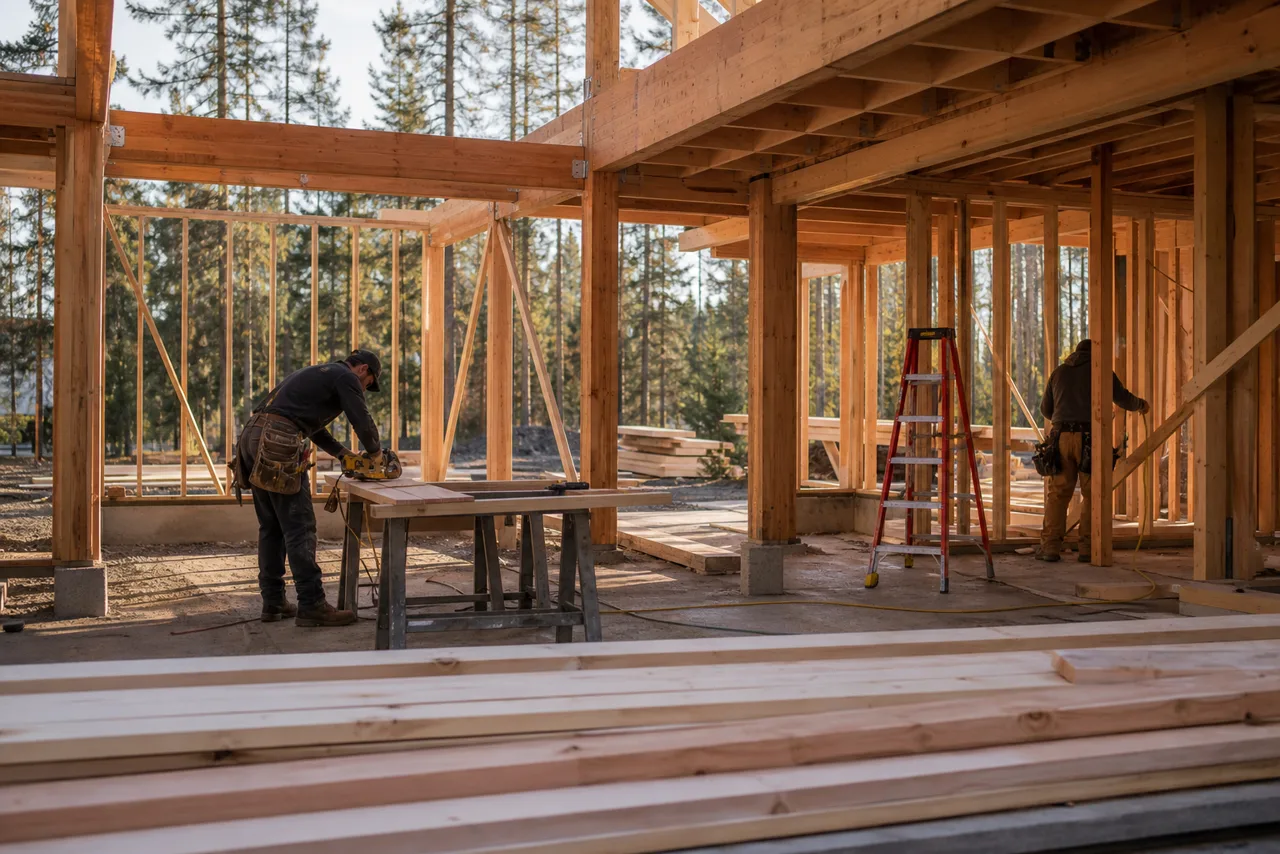
If it's dry Monday, start excavating. Foundation after that. Framing when the lumber lands. Windows still waiting on openings.
Plan is ready for the client. One thing still needs you.
Windows are blocked. Openings are not ready. Keep Friday, or move it?
Framing done. Openings ready. Crew on site till 3.
This bill is already in your accounting software.
Pushed from email. Ready to post.
Nothing posts until you tap approve.
Bring your real bills and updates to the demo. We’ll show you what the office already prepared, and what still needs your call.
How it works
Work still arrives by email, messaging and Drive. You approve what matters.
Bills, photos, hours and notes come in the way they already do.
Each item is matched to the job. Books, schedules and files wait for your tap.
What was done. What is blocked. What needs approval.
Around the office
On the job
Start with one pile. You approve what matters. Your books and files stay where they are.
A bill comes in. It’s matched to the job. It waits in your software for your tap.
The bill is ready when you are.Photos and hours come in the way they already do. Daily logs get filed. Quiet sites get marked.
If a site went quiet, you see it.Invoice drafted from approved costs. Friday update written from this week’s logs. You send it.
You decide what goes out.The portal
The Lakeside Job
Latest weekly update
Roof trusses are set, window openings are ready and the electrical crew is confirmed for next week.
Approved photos
6 new this week
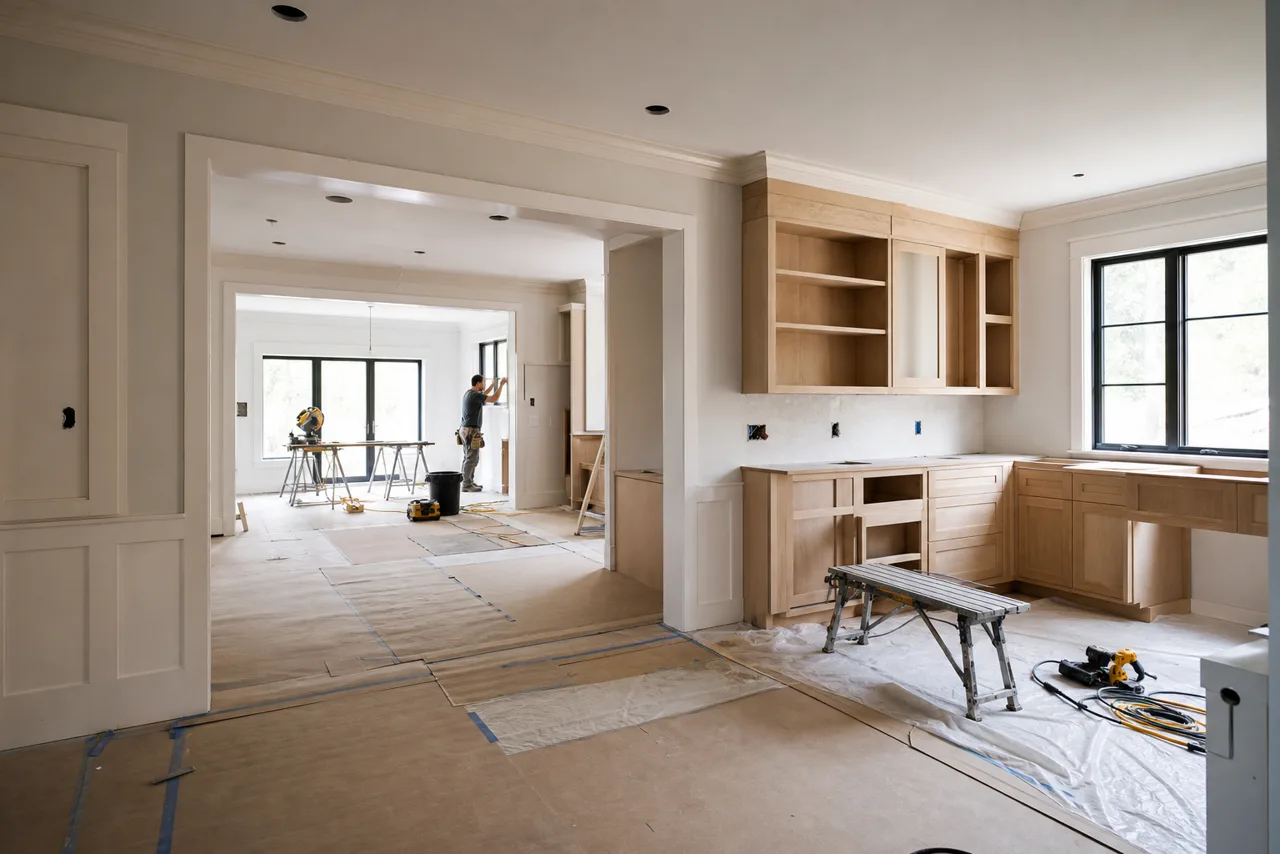
Clients see where the job stands. Updated from this week’s logs and photos, with no extra write-up from you.
Trust and control
Every dollar waits for your OK and leaves a record.
If something doesn’t add up, it waits and asks. You get the reason, not a surprise.
Your books stay in your accounting software. Your files stay in the cloud folders you already use.
Bring your real mess
Bring a few real bills, photos or daily logs. We’ll show you what comes off your plate, and what still needs you.